
01
Configuration with every run.
Keep the unit revision and test version beside the measured result.
INDUSTRIES / AEROSPACE & DEFENSE
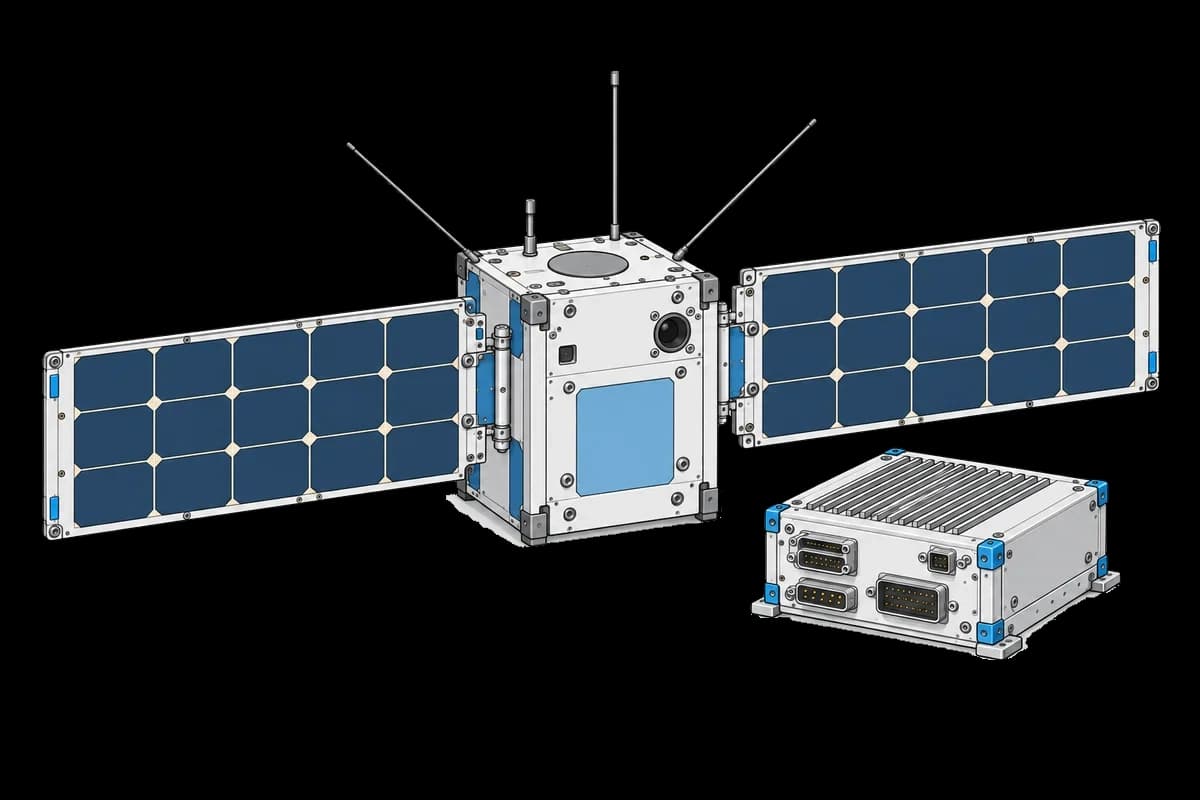
Connect functional, environmental, and acceptance tests for flight hardware, avionics, and defense electronics. Keep every measurement with the serial number, revision, and configuration your team tested.
01
Keep the unit revision and test version beside the measured result.
02
Link functional, thermal and vibration records to the same subsystem.
03
Review the original measurements alongside the follow-up acceptance test.
WORKFLOW EXAMPLE
An example acceptance workflow. Your engineering team defines the test procedure, limits, and release criteria.
Baseline → exposure → repeat
Record the reaction wheel’s functional measurements and configuration.
Attach environmental-test records to the serialized unit.
Review the post-test functional run against the original measurements.
Notify the responsible engineer with the run link. Review the baseline and supporting files, then record a targeted follow-up test.
Connect the next stepRESOURCES
Measure wheel balance, friction and exported forces across speed.
OPEN TEMPLATECheck a star tracker through vacuum bakeout and temperature cycles.
OPEN TEMPLATELearn how avionics LRU bench tests work, from induction to release, and how to turn CMM test results into analytics with TofuPilot.
PRACTICAL GUIDEBring one procedure and a representative set of results. We’ll help you plan the first integration.