
Which units are affected?
Filter by part, revision, batch or outcome before opening individual records.
TRACEABILITY
Find the unit, open its tests, and follow the parts inside it. Keep first attempts, retests, measurements, and supporting files connected to the hardware.
FOLLOW ONE BOARD THROUGH TEST
Search the example records, open either test attempt, or follow the board into its parent assembly.
Forearm control board
Limits: 3.250–3.350 V
Confirmation run at 23°C after checking the temperature hypothesis.
Filter by part, revision, batch or outcome before opening individual records.
Keep first attempts and retests, with their procedure, station, version and measurements.
Keep inspection photos and calibration certificates with the unit; measurements and logs stay with the run.
FROM COMPONENT TO ASSEMBLY
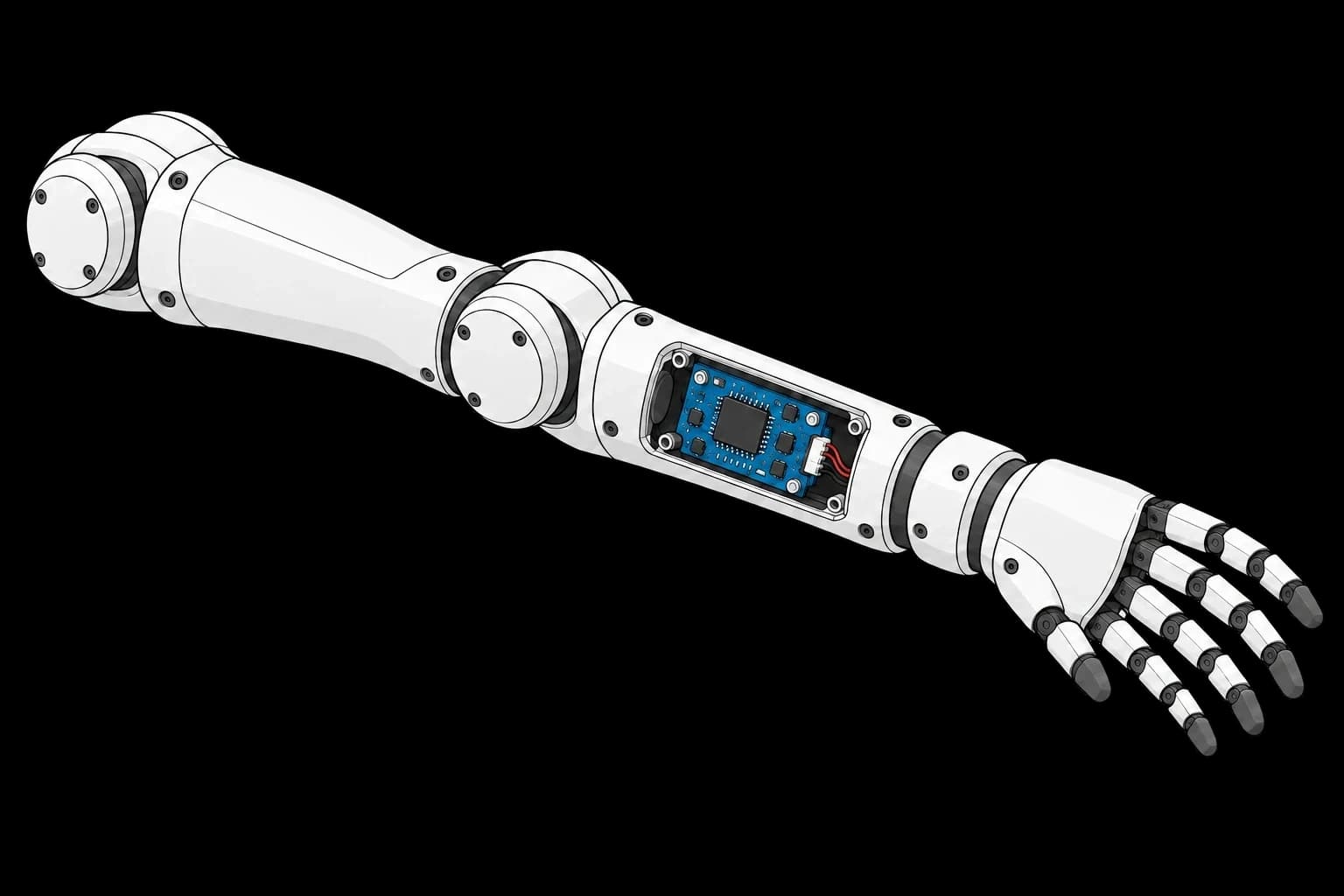
Each component keeps its serial number and test history as it becomes part of a larger assembly.
Humanoid arm
Part ARM-01 · Revision C · Batch LOT-009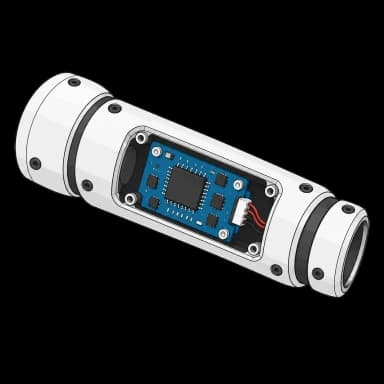
Forearm module
Part ARM-MOD · Revision A · Batch LOT-018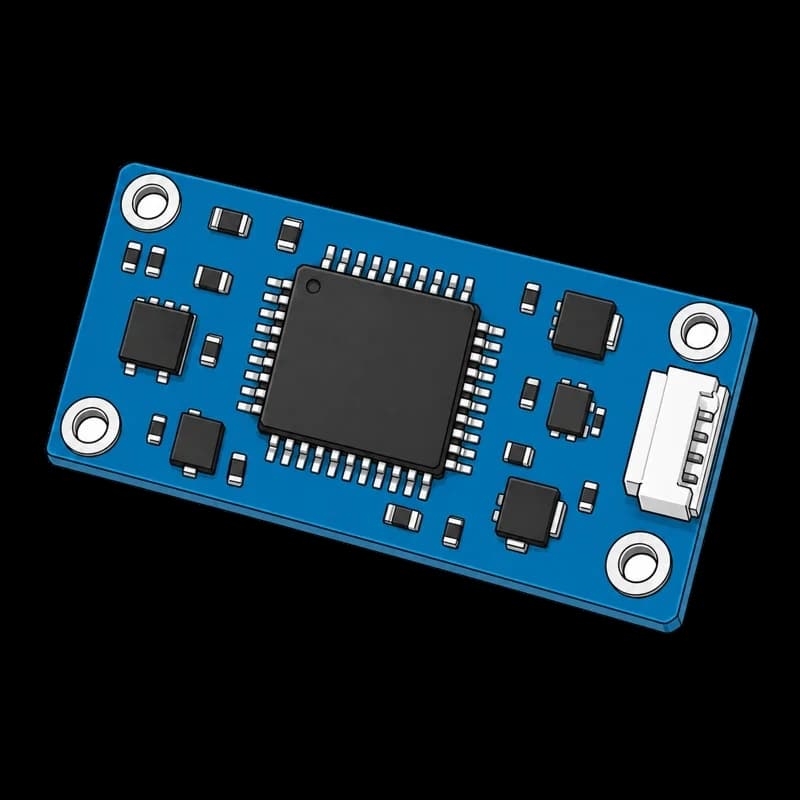
Control board
Part PCB-V1 · Revision B · Batch LOT-042Filter by part, revision or batch to compare related units. Follow the parent link to see where a component was installed.
Connect your existing results and keep the next test attempt in the same record.