
01
Include the RF path.
Record corrections, cables and fixture identity alongside the radio result.
INDUSTRIES / RF & WIRELESS
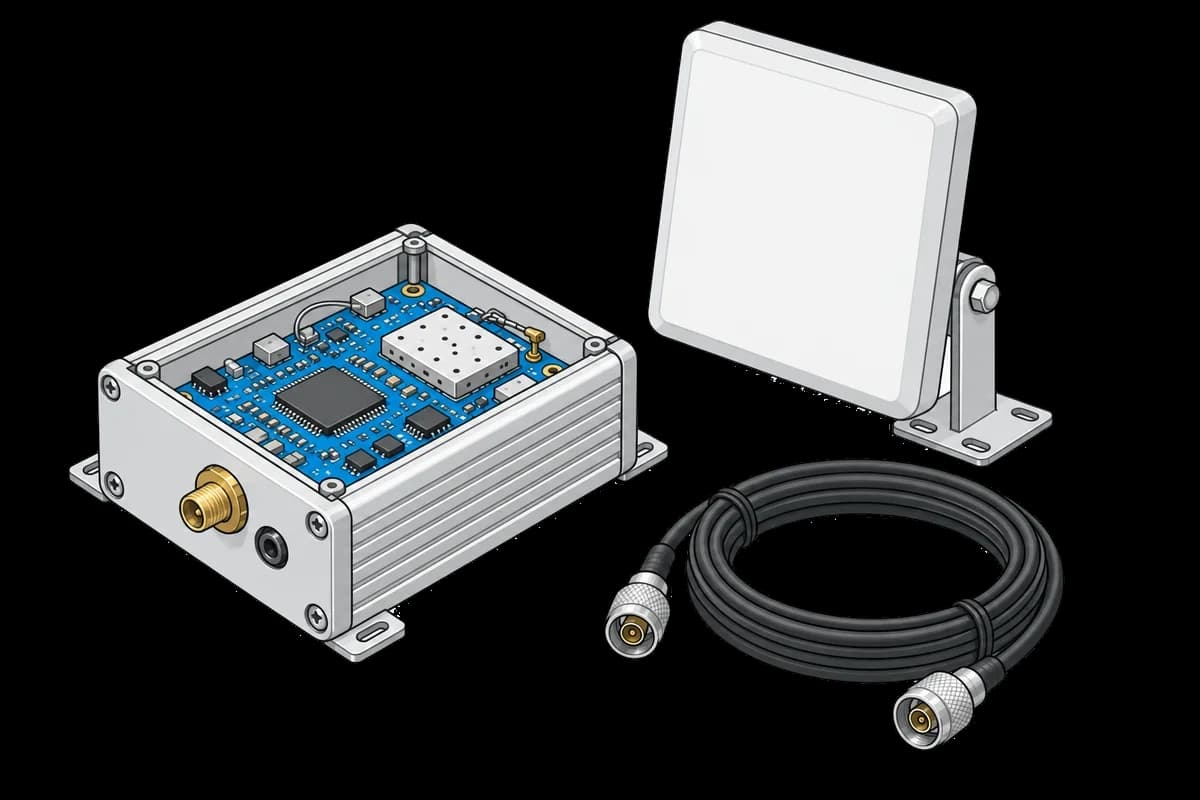
Connect transmit power, receiver sensitivity, and frequency checks to each radio. Keep channel settings, firmware, and fixture context beside the results from your RF test procedure.
01
Record corrections, cables and fixture identity alongside the radio result.
02
Keep channel settings and traces with power and frequency measurements.
03
Link firmware and board revision to programming and earlier RF tests.
WORKFLOW EXAMPLE
An illustrative RF acceptance workflow. Your script and equipment perform the transmit and receive tests; tofupilot organizes the resulting measurements.
RF signal path
Record the unit, firmware, fixture, and RF path correction used for the test.
Send power, frequency error, and receiver-check measurements with the channel and configured limits.
Open a failed check with its supporting trace and compare the radio’s previous attempts.
Send the affected run to the RF engineer. Inspect path correction, fixture connections, and results from adjacent channels before selecting a repeat test.
Connect the next stepRESOURCES
Collect channel-specific transmit and receive measurements.
PROCEDURE IDEA · EXAMPLERecord packet results against the applied signal level.
PROCEDURE IDEA · EXAMPLELearn how to log RF test and calibration data for wireless products using TofuPilot, covering output power, sensitivity, and frequency accuracy.
PRACTICAL GUIDEBring one procedure and a representative set of results. We’ll help you plan the first integration.