
01
Test the right configuration.
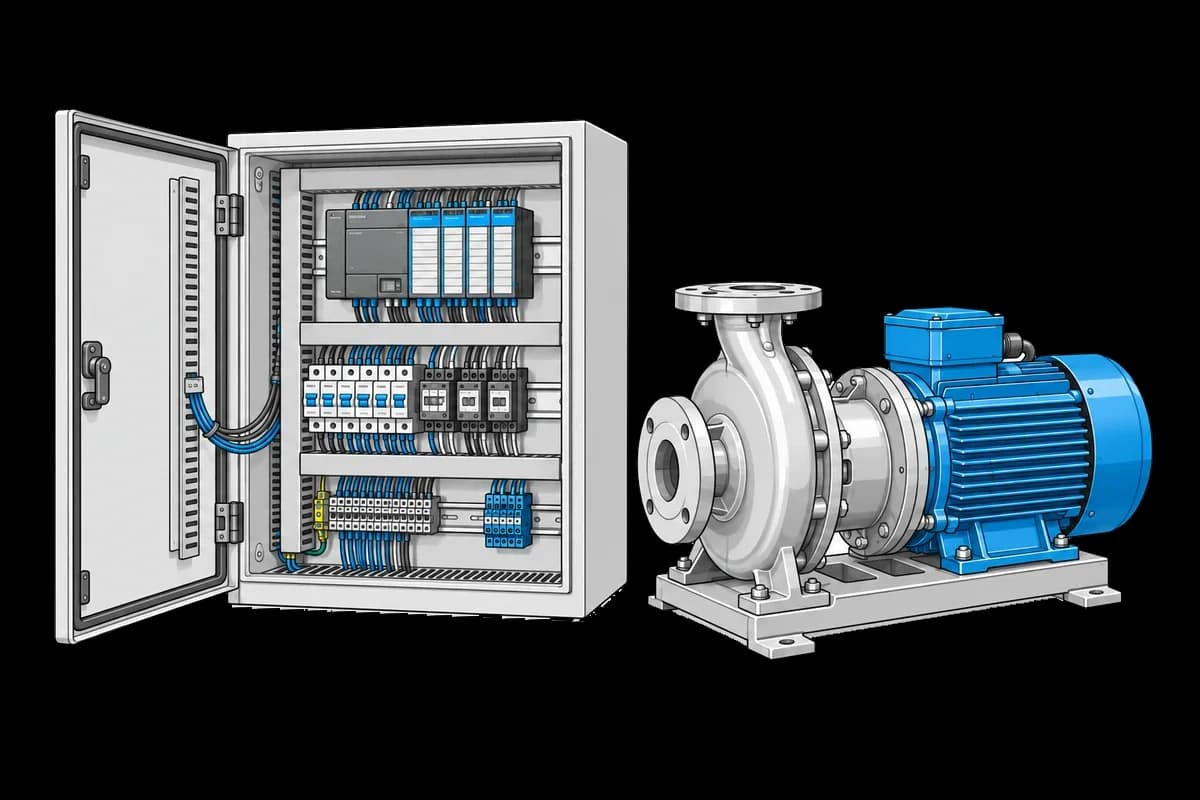
Keep PLC software, I/O mapping and cabinet revision with the run.
INDUSTRIES / INDUSTRIAL EQUIPMENT
Keep variant-specific checks, controller settings, and factory test results together. Follow each machine or control assembly from its first bench check to the configuration your team reviews for shipment.
01
Keep PLC software, I/O mapping and cabinet revision with the run.
02
Link incoming module checks to the assembled equipment’s acceptance test.
03
Compare factory checks and later tests under the same equipment identity.
WORKFLOW EXAMPLE
An illustrative workflow for a configurable industrial controller, with recorded configuration, I/O checks, and a team review of exceptions.
Controller → fixture → response
Record the cabinet serial, controller revision, firmware identifier, and installed I/O modules.
Capture input and output checks, communications results, and the measurements from the test fixture.
Keep the functional result and supporting files with the cabinet’s earlier module tests.
Send the affected runs to the test team. Compare fixture connections and controller variants, then choose a reference check or a targeted product retest.
Connect the next stepRESOURCES
Collect channel-level inputs, outputs, and interface outcomes for a controller variant.
PROCEDURE IDEA · EXAMPLEAssociate installed modules and firmware identifiers with the cabinet’s test record.
PROCEDURE IDEA · EXAMPLEAssemble a repeatable sequence of checks and supporting evidence for engineering review.
PROCEDURE IDEA · EXAMPLEBring one procedure and a representative set of results. We’ll help you plan the first integration.