Be useful.
Show the test, the result, or the next step. Make the reader’s job easier.
BRAND GUIDE · 2.2
Software for the people
who build hardware.
A practical guide to how we look, sound, and explain our work. For our team, partners, and anyone writing about tofupilot.
Download the brand kit Updated 13 September 2026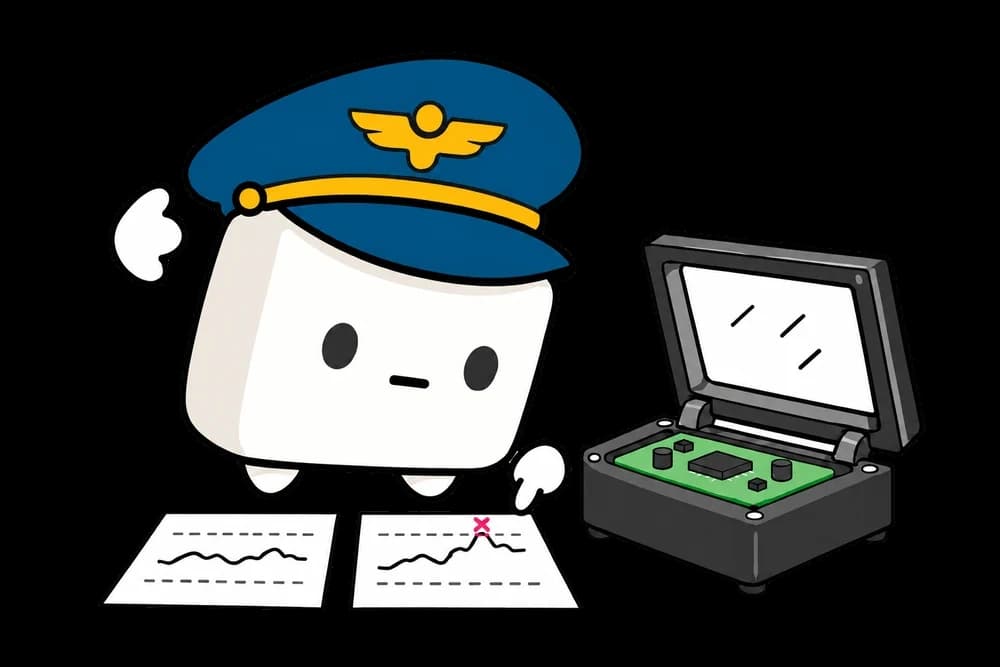
01 / OVERVIEW
We help hardware teams trust their tests and understand their results. Our identity should make that work feel clear and approachable.
Show the test, the result, or the next step. Make the reader’s job easier.
Name the hardware. Label the units. Let evidence support the claim.
Speak like a helpful engineer. Leave room for warmth, curiosity, and a small tofu pilot.
SHORT COMPANY DESCRIPTION
tofupilot is a hardware testing platform for engineering, manufacturing, and quality teams. It helps teams develop and run tests, trace individual units, and investigate failures in production test data.
Write tofupilot as one word, all lowercase—even at the start of a sentence. The open-source product is the tofupilot framework.02 / LOGOS
Use the supplied artwork. Choose the dark mark on light backgrounds and the white mark on dark backgrounds.






Keep at least one lowercase “o” of clear space around the wordmark or full logo. Around the symbol, leave 20% of its width. The supplied favicon may be used at 16 px.
Keep proportions intact. Don’t retype the lettering, recolor the mark, add effects, or place it over busy images. Keep partner marks separate.
03 / COLOR
Neutral surfaces carry the page. Sky draws attention to interactions. Amber adds warmth to the pilot. Test states keep their own colors.
#262626Headings, logos, primary buttons, and dark sections.
#F5F5F5Light surfaces and primary buttons on dark backgrounds.
#00A6F4Graphic accents and small details in illustrations.
#0069A8Links, active labels, and focus indicators on light backgrounds.
#024A70The deep blue reference for the pilot’s cap.
#FFB900The pilot’s cap band, button, and wing emblem.
Brand colors use the Tailwind CSS v4 palette. Hex values are sRGB references; the CSS download preserves the OKLCH tokens. White is the product canvas.
Pink means a test failed. Red means execution encountered an error. Always include the label; color alone is not enough.
| State | On light | On dark | Meaning |
|---|---|---|---|
| Pass | Pass | Pass | Test requirements met. |
| Fail | Fail | Fail | Test requirements not met. |
| Error | Error | Error | An execution error occurred. |
| Timeout | Timeout | Timeout | Execution exceeded its allowed time. |
| Aborted | Aborted | Aborted | Execution was stopped. |
| Skip | Skip | Skip | This test or step was skipped. |
| Unset | Unset | Unset | No outcome has been assigned. |
| Running | Running | Running | Execution is in progress; not a final outcome. |
| Input needed | Input needed | Input needed | An operator action is needed; not a final outcome. |
Running and Input needed are execution states, not final outcomes. Use the theme-specific text and chart shades from the tokens, not the brighter core swatches.
04 / TYPOGRAPHY
Archivo carries our message. IBM Plex Mono carries code, measurements, labels, and identifiers.
ARCHIVO / SANS SERIF
Aa Bb Cc · 0123456789
400 body · 500 labels · 600 headings · 700 emphasis
IBM PLEX MONO / MONOSPACE
400 data and code · 500 technical labels
Use sentence case. Reserve uppercase for short mono labels. Keep body text around 45–70 characters per line. Scale headings down on small screens; don’t shrink body copy to make it fit. Both font families and their licenses are included in the kit.
05 / VOICE
Direct, calm, and specific. Write as if you’re talking to an engineer across the bench. Start with what someone can do.
Lead with the job someone needs to do. Use familiar words and concrete verbs.
From “what changed?” to the next test.
Find out why your tests fail.
Then explain the choice: keep your test code, or build with the tofupilot framework.
Connect your tests. Or build with ours.
Connect existing tests. Build new ones.
Explain the help people get, the action to take, and any cost that matters.
Review your procedures, stations, and integration needs.
Plan your first station with our test engineers.
Explain what the feature does before describing its value. Call an AI finding a “probable cause” until it is confirmed. Include context with numbers, and distinguish a demo from production evidence.
Use contractions and natural sentences. Keep customer quotes faithful to the source; get approval for translations or edits before publication. Don’t turn testimonials into feature lists.
06 / ILLUSTRATION
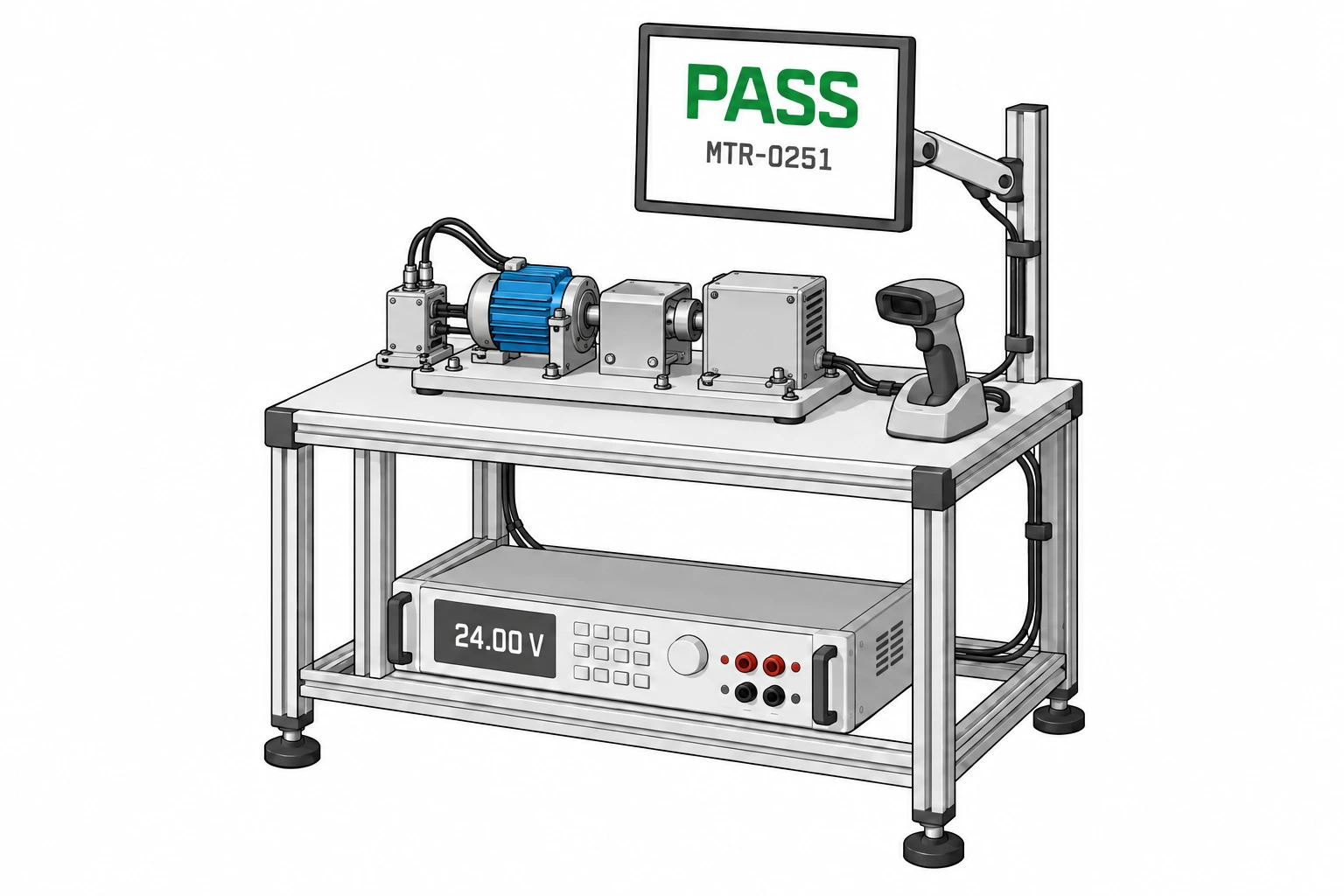
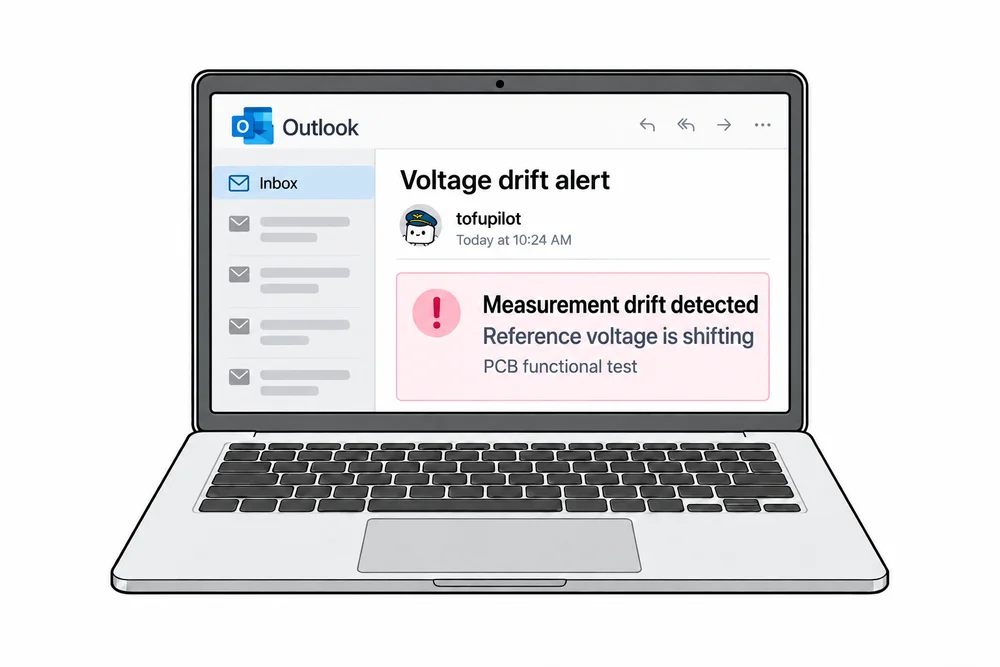
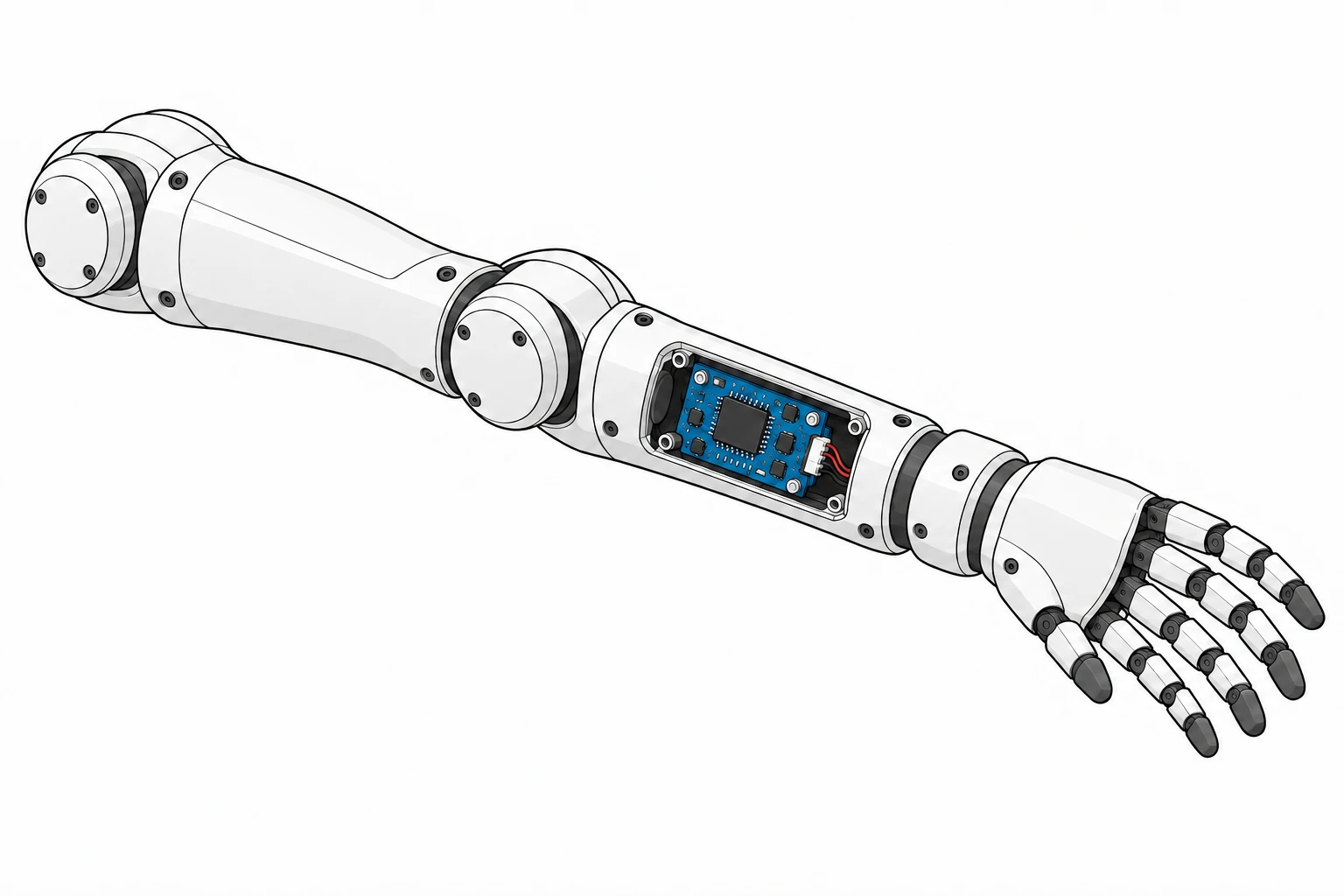
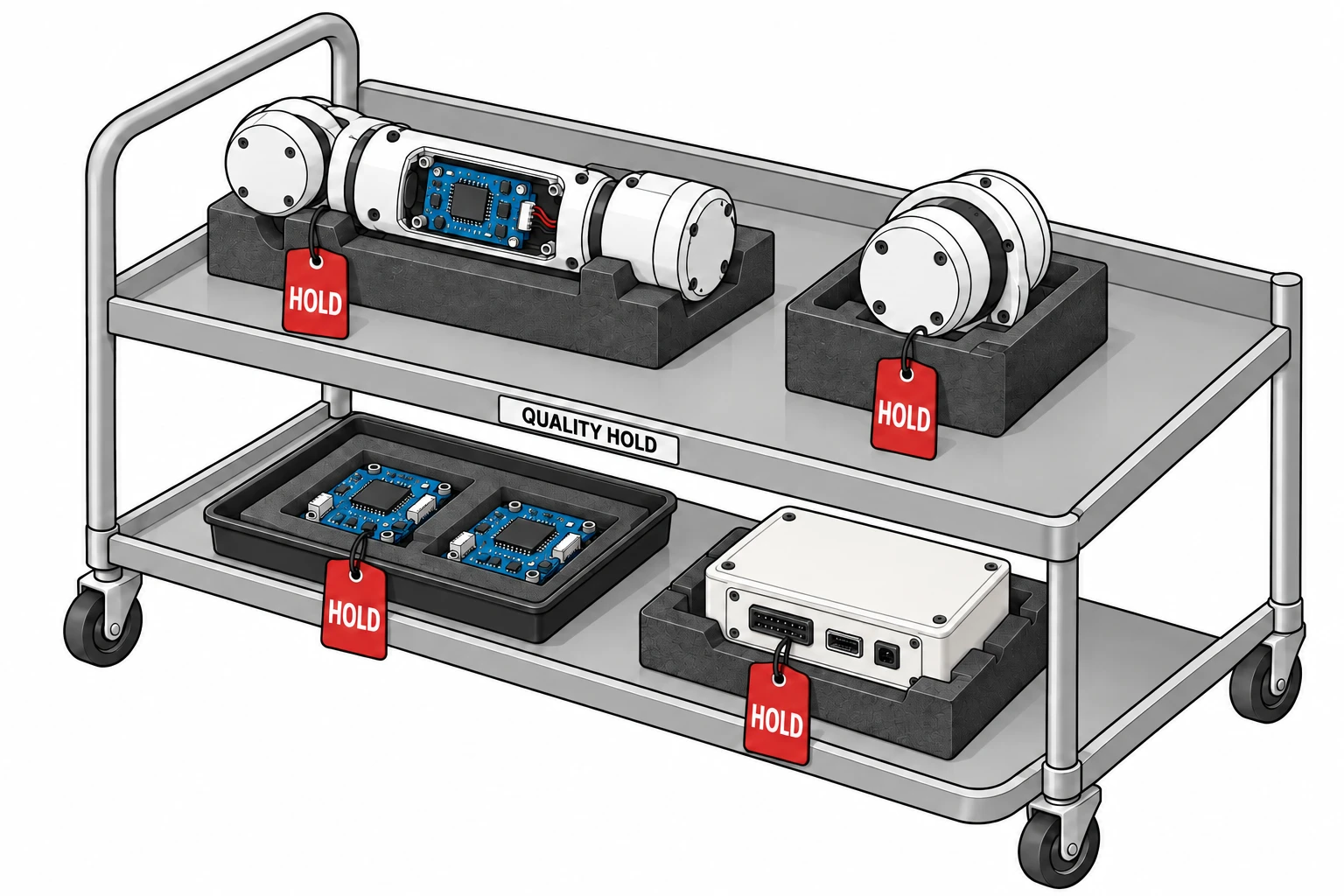
The tofu pilot brings curiosity and warmth. Technical scenes explain the work with recognizable equipment, clear connections, and a single focal point.

THE TOFU PILOT
Keep the soft tofu body, small face, blue pilot cap, amber band, and wing emblem. Use simple gestures and restrained expressions.
Place the pilot in introductions, documentation, community, and support. Give charts, errors, and operator decisions enough space to remain the focus.
Download the pilot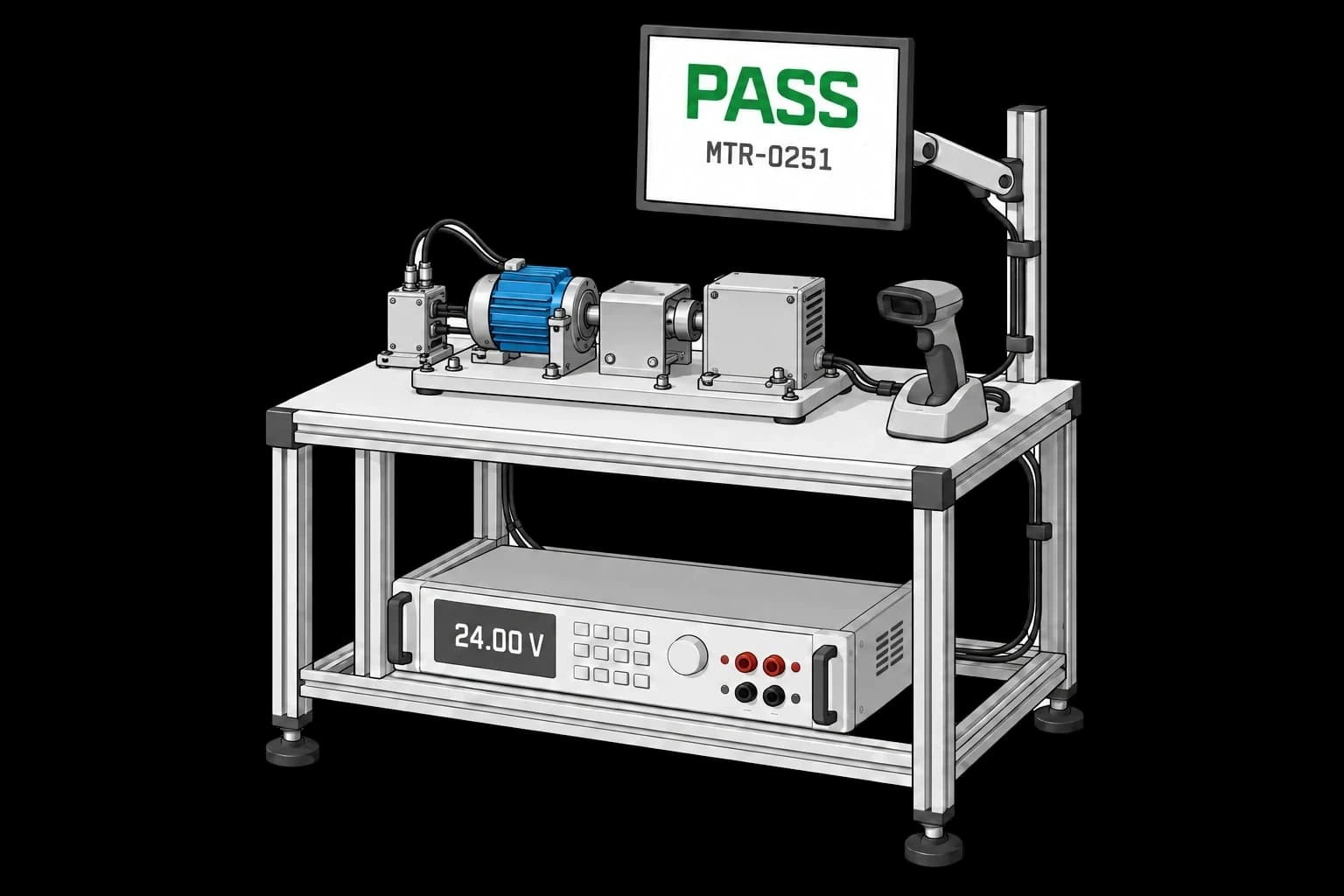
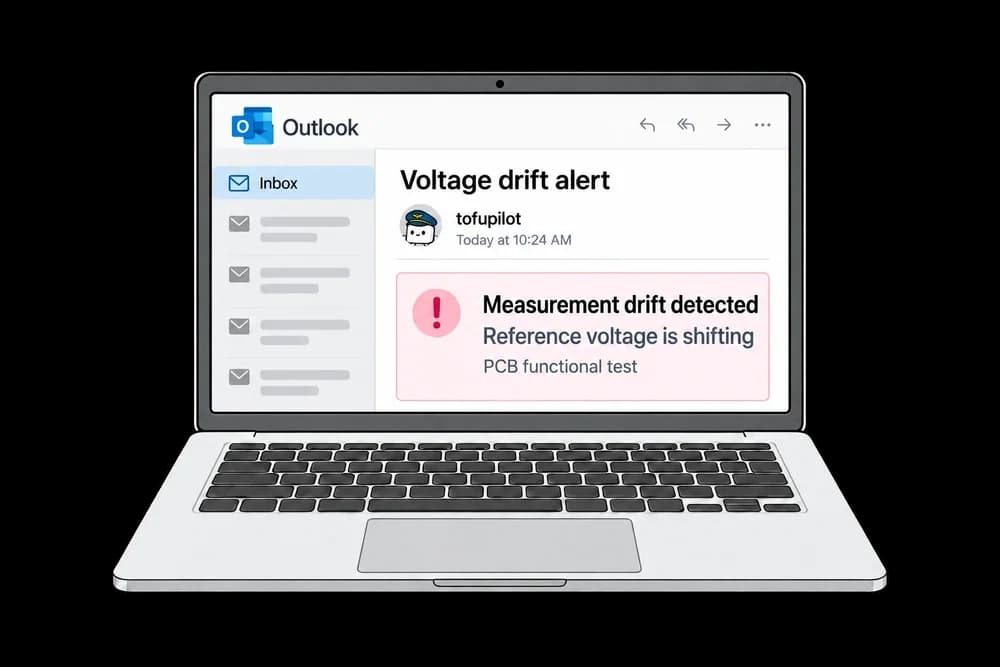
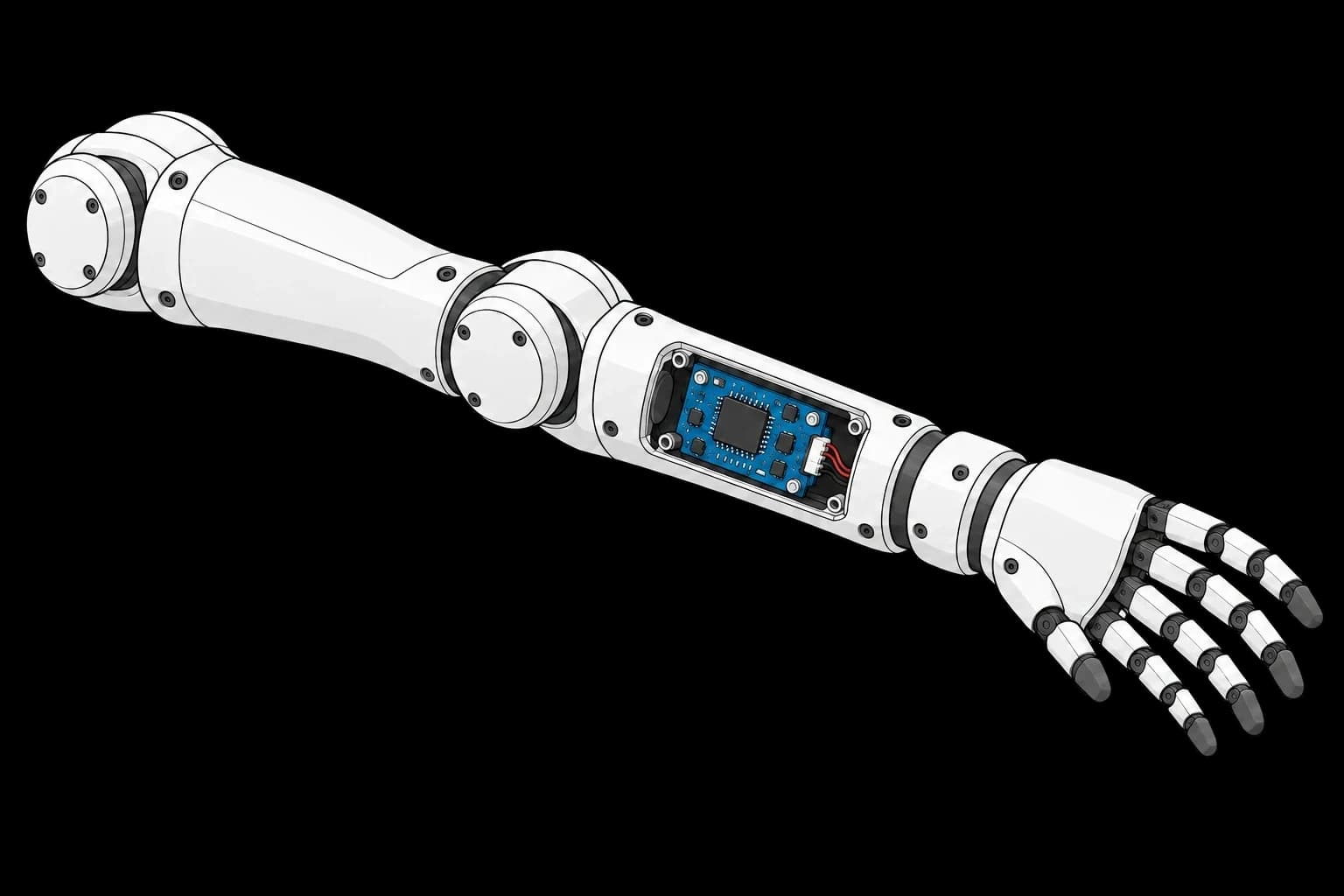
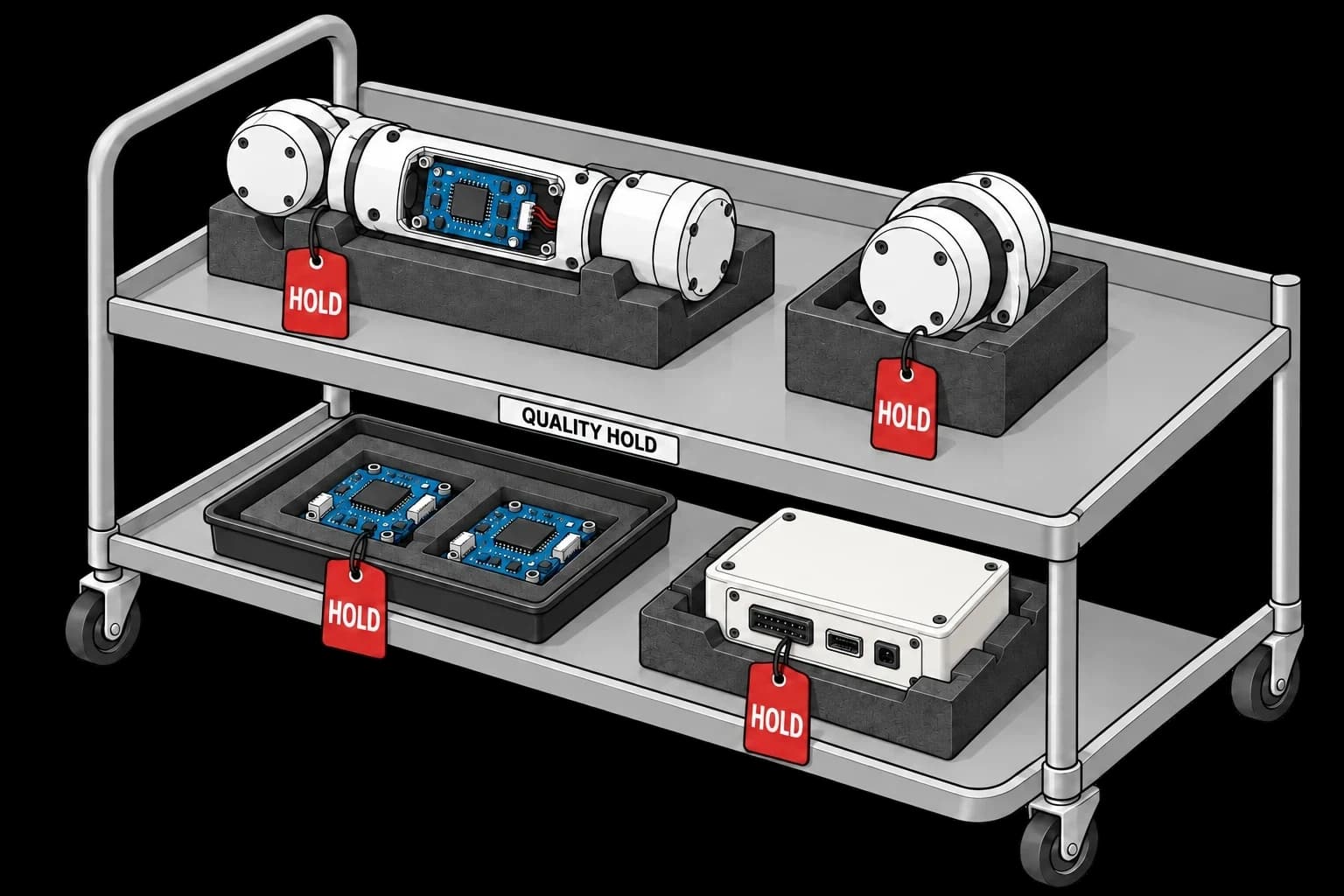
Use neutral hardware, controlled sky accents, crisp outlines, and soft shading. Show plausible cables, fixtures, and scale. Use functional colors only when a result needs them.
These raster files include backgrounds. Use light artwork on matching light surfaces and dark variants on dark surfaces. Don’t place a visible image rectangle on a contrasting canvas or assume the file is transparent.
07 / INTERFACE
Our website and product share the same discipline: clear hierarchy, useful space, and data you can interpret at a glance.
Within the 3.250–3.350 V limits.
INTERFACE SPECIMENUse a 4 px spacing rhythm, square panels, 1 px dividers, and 4 px corners on controls. Prefer spacing and contrast to decorative shadows.
Use a neutral filled button for the primary action. Keep secondary links blue. Make interactive areas work on hover, keyboard focus, and touch.
Label units, limits, states, and time ranges. Reserve pink for failed readings. Animate in reading order and respect reduced-motion preferences.
08 / DOWNLOADS
The current kit brings the identity and its usage rules together. Start here for a presentation, partner page, article, or new design.
TOFUPILOT BRAND KIT · 2.2
SVG logos, selected illustrations, both font families and licenses, color and interface tokens, and this guide in Markdown.
Use these assets to identify or discuss tofupilot. Keep the artwork intact and don’t imply an endorsement or partnership without agreement. Font and icon licenses are included with their files.