
Units
Track serial numbers, part numbers, and revision history for every unit under test. View full test history and traceability per unit in TofuPilot.
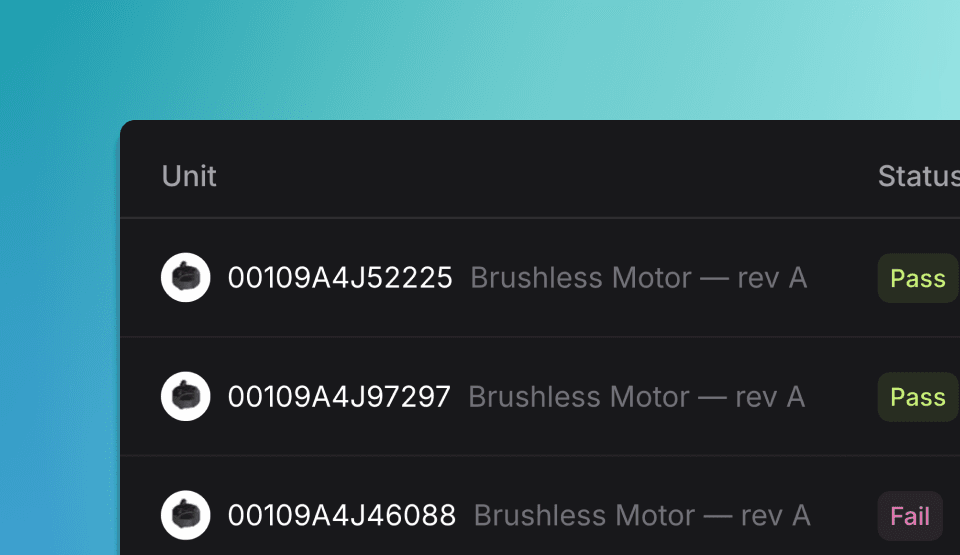
Overview
A Unit is a physical object being tested. Each Unit has a unique serial number and is defined by part number and revision for complete traceability.
In TofuPilot, we use "Unit" as the standard term. However, you may also see "Unit under test" (UUT) or "Device under test" (DUT) in OpenHTF and other testing frameworks. All refer to the same concept.
Create Units
You can create units automatically when creating a Run, or directly with the API client.
Parameters
- OpenHTF: Define parameters in the
Testconstructor (part_number,revision,batch_number) and pass the serial number totest.execute(). - Python: Use
client.units.create()to defineserial_number,part_number,revision_number, andbatch_number.
| Prop | Type | Default |
|---|---|---|
unit_under_test? | dict | – |
serial_number? | str | – |
part_number? | str | – |
revision? | str (optional) | A |
batch_number? | str (optional) | – |
from openhtf import Test
from tofupilot.openhtf import TofuPilot

def main():
  test = Test(
      procedure_id="FVT1",
      part_number="PCB01",             # required
      revision="A",                    # optional
      batch_number="12-24",            # optional
  )
  with TofuPilot(test):
      test.execute(lambda: "SN-0001")  # Unit serial number (required)

if __name__ == "__main__":
  main()
from tofupilot.v2 import TofuPilot
client = TofuPilot()
# Create a unit directly
unit = client.units.create(
serial_number="SN-0001",
part_number="PCB01",
revision_number="A",
)
print(f"Unit created: {unit.serial_number}")using TofuPilot;
using TofuPilot.Models.Requests;
var client = new TofuPilot();
var unit = await client.Units.CreateAsync(new UnitCreateRequest
{
SerialNumber = "SN-0001",
PartNumber = "PCB01",
RevisionNumber = "A",
});
Console.WriteLine($"Unit created: {unit.SerialNumber}");With OpenHTF, you can decide whether to assign the serial number at the beginning of the test or later during execution. For more details, see the Operator UI section in the OpenHTF documentation.
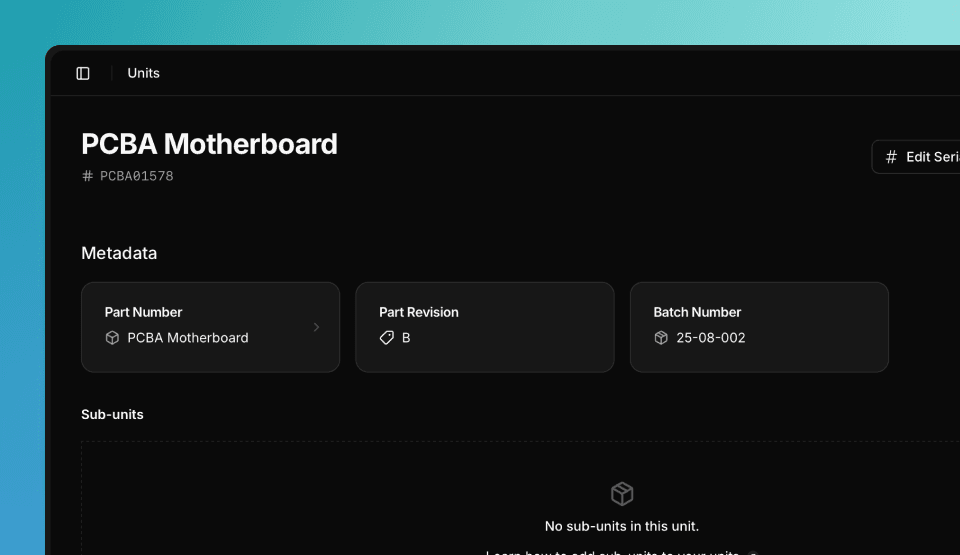
Batch Number
Include the batch_number field in your script. TofuPilot will display it with the run and let you filter analytics by batch.
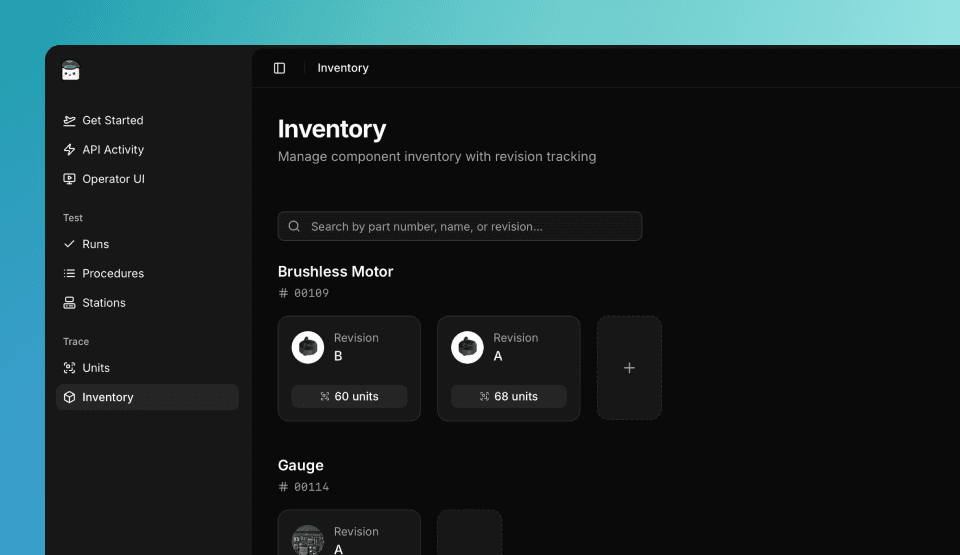
Revision
Specify the revision field. If omitted, revision A is assumed. Revisions are shown in the Inventory and Unit pages, and can be used to segment your analytics.
Sub-units
Sub-units are smaller Units that get assembled into a larger Unit. Each sub-unit has its own serial number and test history.
- OpenHTF: Define
sub_unitsparameter in theTestconstructor as a list of dictionaries withserial_numberof each sub-unit. - Python: Use
client.units.add_child()to attach previously tested sub-units byserial_number.
| Prop | Type | Default |
|---|---|---|
sub_units? | array (optional) | – |
serial_number? | str (optional) | – |
from openhtf import PhaseResult, Test
from tofupilot.openhtf import TofuPilot

# Please ensure both units PCB1A001 and LEN1A001 exist before running this script

def main():
  test = Test(
      procedure_id="FVT2",  # Create the procedure first in the Dashboard
      part_number="CAM1",
      sub_units=[{"serial_number": "PCB1A001"},
                  {"serial_number": "LEN1A001"}],
  )
  with TofuPilot(test):
      test.execute(lambda: "CAM1A001")


if __name__ == "__main__":
  main()
from tofupilot.v2 import TofuPilot
client = TofuPilot()
# Add sub-units to a parent unit
client.units.add_child(serial_number="CAM1A001", child_serial_number="PCB1A001")
client.units.add_child(serial_number="CAM1A001", child_serial_number="LEN1A001")
# Remove a sub-unit
client.units.remove_child(serial_number="CAM1A001", child_serial_number="LEN1A001")using TofuPilot;
using TofuPilot.Models.Requests;
var client = new TofuPilot();
// Add sub-units to a parent unit
await client.Units.AddChildAsync("CAM1A001", new UnitAddChildRequestBody { ChildSerialNumber = "PCB1A001" });
await client.Units.AddChildAsync("CAM1A001", new UnitAddChildRequestBody { ChildSerialNumber = "LEN1A001" });
// Remove a sub-unit
await client.Units.RemoveChildAsync("CAM1A001", "LEN1A001");The sub-units must already exist as Units in TofuPilot when creating the Run. Ensure each sub-unit has been tested and registered before referencing it in the assembly.
Attachments
You can attach files like photos, calibration data, or diagnostic logs directly to a unit.
from tofupilot.v2 import TofuPilot

client = TofuPilot()

# Upload and attach a file to a unit
upload_id = client.attachments.upload("data/pcb-inspection.jpg")
client.units.update(serial_number="SN-0001", attachments=[upload_id])

# Attach multiple files at once
ids = [client.attachments.upload(f) for f in ["data/pcb-inspection.jpg", "data/calibration.csv"]]
client.units.update(serial_number="SN-0001", attachments=ids)
using TofuPilot;
using TofuPilot.Models.Requests;
var client = new TofuPilot();
// Upload and attach a file to a unit
var uploadId = await client.Attachments.UploadAsync("data/pcb-inspection.jpg");
await client.Units.UpdateAsync("SN-0001", new UnitUpdateRequestBody { Attachments = new List<string> { uploadId } });
// Attach multiple files at once
var files = new[] { "data/pcb-inspection.jpg", "data/calibration.csv" };
var ids = new List<string>();
foreach (var f in files)
ids.Add(await client.Attachments.UploadAsync(f));
await client.Units.UpdateAsync("SN-0001", new UnitUpdateRequestBody { Attachments = ids });Supported formats include images (JPEG, PNG), documents (PDF, CSV, TXT), and any binary file.
Browse & Filter Units
You can browse and filter units from the Dashboard or with the API client.
from tofupilot.v2 import TofuPilot

client = TofuPilot()

# List all units for a part number
units = client.units.list(part_numbers=["PCB01"])
for u in units.data:
  print(f"{u.serial_number}")

# Filter by batch
units = client.units.list(batch_numbers=["2024-001"])

# Get a specific unit
unit = client.units.get(serial_number="SN-0001")
print(f"Serial: {unit.serial_number}")
print(f"Part: {unit.part.number} rev {unit.part.revision.number}")
using TofuPilot;
var client = new TofuPilot();
// List all units for a part number
var units = await client.Units.ListAsync(partNumbers: new List<string> { "PCB01" });
foreach (var u in units.Data)
Console.WriteLine(u.SerialNumber);
// Filter by batch
var batchUnits = await client.Units.ListAsync(batchNumbers: new List<string> { "2024-001" });
// Get a specific unit
var unit = await client.Units.GetAsync("SN-0001");
Console.WriteLine($"Serial: {unit.SerialNumber}");Download Attachments
You can download attachments from a unit.
from tofupilot.v2 import TofuPilot

client = TofuPilot()

unit = client.units.get(serial_number="SN-0001")

for a in unit.attachments:
  client.attachments.download(a)
  print(f"Downloaded {a.name} ({a.size} bytes)")
using TofuPilot;
var client = new TofuPilot();
var unit = await client.Units.GetAsync("SN-0001");
foreach (var a in unit.Attachments)
{
await client.Attachments.DownloadAsync(a.DownloadUrl, a.Name);
Console.WriteLine($"Downloaded {a.Name} ({a.Size} bytes)");
}Update Units
You can update units from the Dashboard or with the API client.
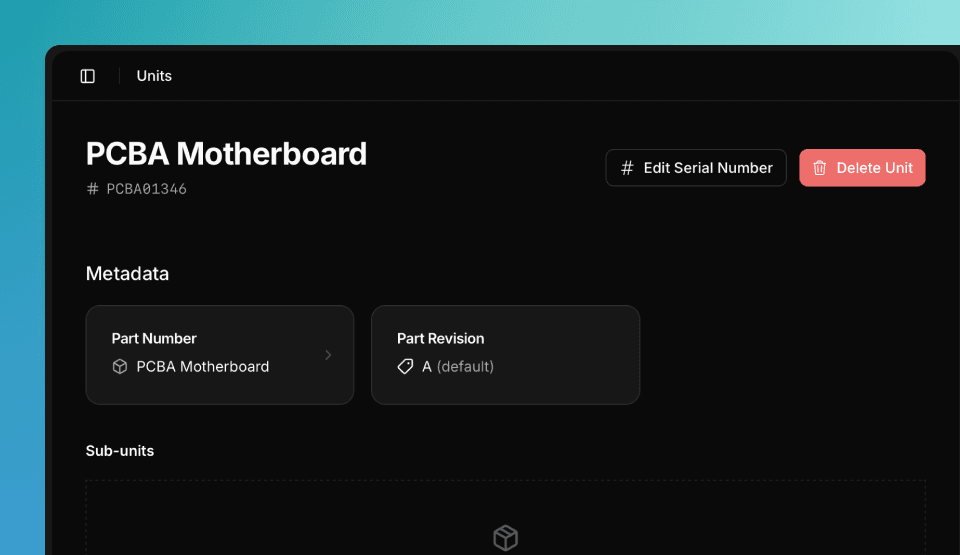
from tofupilot.v2 import TofuPilot

client = TofuPilot()

# Update serial number, part, revision, or batch
client.units.update(
  serial_number="SN-0001",
  new_serial_number="SN-0002",
  part_number="PCB02",
  revision_number="B",
)
using TofuPilot;
using TofuPilot.Models.Requests;
var client = new TofuPilot();
await client.Units.UpdateAsync("SN-0001", new UnitUpdateRequestBody
{
NewSerialNumber = "SN-0002",
PartNumber = "PCB02",
RevisionNumber = "B",
});Delete Units
You can delete units from the Dashboard or with the API client.
from tofupilot.v2 import TofuPilot

client = TofuPilot()

client.units.delete(serial_numbers=["SN-0001"])
using TofuPilot;
var client = new TofuPilot();
await client.Units.DeleteAsync(new List<string> { "SN-0001" });Unit Activity
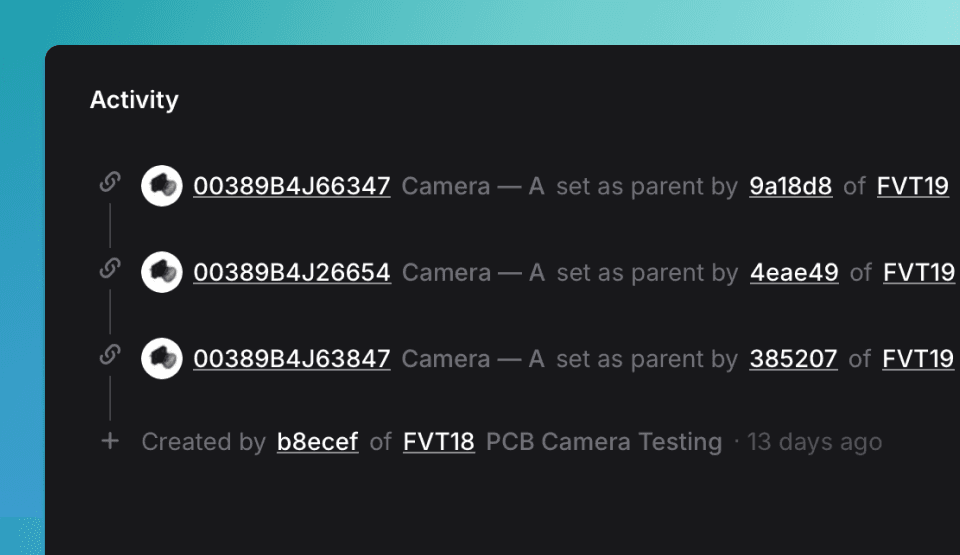
Track unit activity on the unit’s page in the Dashboard. Shows all tests performed on the unit, grouped by Procedure name, and changes made when creating Runs.
How is this guide?
Stations
Deploy test stations with controlled access and monitoring. Assign procedures, manage station uptime, and track test execution across your fleet.
Parts & Revisions
Track components, part numbers, and revision history. Manage your hardware inventory and link parts to individual test units in TofuPilot.